By
By

Most small business owners are trapped in a classic dilemma: you desperately need relief from repetitive administrative work, but you do not have the internal technical bandwidth or budget to build enterprise-scale automation.
Traditional automation required clean data, rigid rules, and costly API integrations before returning a single dollar in value. AI flips that model on its head by allowing you to begin with what your business already produces all day long: conversations.
Why Small Businesses Get Stuck on Automation
Small teams live with a persistent tension. Repetitive tasks—copying notes into a CRM, routing inquiries, following up on invoices—drain hours every week. Yet attempting traditional process engineering feels impossible when:
- You lack dedicated IT or engineering staff.
- Processes live in employees' heads rather than formal standard operating procedures.
- Off-the-shelf software requires extensive customization or strict inputs that real clients never follow.
The result? The team defaults to doing everything manually because "it's faster than trying to automate it."
How AI Changes the Economics of Targeted Automation
Before Large Language Models (LLMs), computers were terrible at handling messy human communication. An automation broke if an incoming email didn't match an exact form template.
AI models bridge this gap by interpreting unstructured information—plain English emails, call transcripts, voicemails—and converting them into clean data without custom code for every edge case.
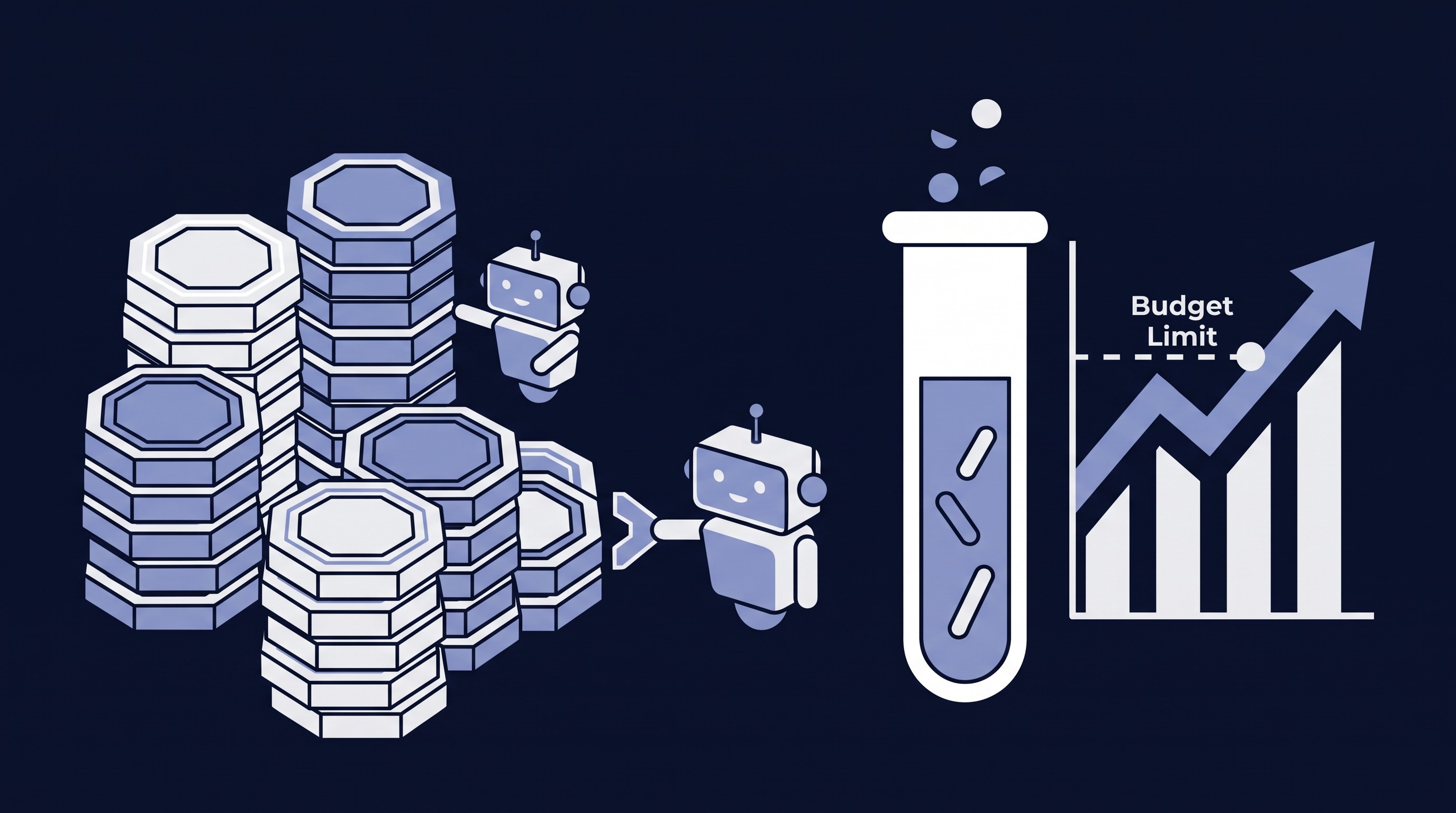
While this drastically lowers development overhead, the economics still demand realism:
- Setup costs: Scoping prompts, testing edge cases, and connecting tools.
- Usage costs: Model token fees and platform subscriptions.
- Maintenance costs: Periodic prompt tuning and error monitoring.
Targeted, conversational automations stay economically viable because they require minimal upfront infrastructure to deliver noticeable hours saved.
Where to Find Hidden Opportunities
You don't need a process consultant to find your highest-impact automation candidate. Just look inside your daily communication channels:
- Inbox: Where do clients repeatedly ask the same five questions or send incomplete project briefs?
- Calls: What details do account managers consistently have to re-type from memory after hanging up?
- Team hand-offs: Where does one person manually copy notes into Slack or an email just to alert another department?
Conversations are a real-time audit trail of your biggest administrative friction points.
3 Practical Automations Built Around Conversations
Here are three real-world workflow examples designed to keep a human in control:
1. Inbound Emails ➔ Structured Requests
- Trigger: A customer emails a general inquiry or work request.
- AI action: The model scans the email, extracts key parameters (client name, deadline, deliverable scope), flags any missing information, and pre-fills an intake ticket.
- Human check: A team member clicks "Approve" to send an automated clarification email for missing details or creates the project directly.
2. Meeting Transcripts ➔ Proposed CRM Updates
- Trigger: A recorded client discovery call concludes.
- AI action: The system parses the transcript for explicit commitments, budget mentions, identified pain points, and next steps, drafting a structured CRM note.
- Human check: The account executive reviews the proposed bullet points, makes minor adjustments, and confirms the CRM sync with one click.
3. Call Recaps ➔ Pre-Drafted Follow-Ups
- Trigger: An onboarding or consultation call finishes.
- AI action: The model drafts a concise, personalized recap email outlining action items, assigned owners, and key dates.
- Human check: The sender reviews the drafted email in their outbox, edits tone if necessary, and hits send.
Choose One Workflow and Test Its Value
Do not attempt to overhaul your entire operating system on day one. Pick a single bottleneck and evaluate it against four criteria:
| Metric | Evaluation Question |
|---|---|
| Frequency | Does this happen multiple times every day or week? |
| Time Spent | Does it consume at least 30–60 minutes per cycle? |
| Error Risk | What happens if a detail is dropped or misclassified? |
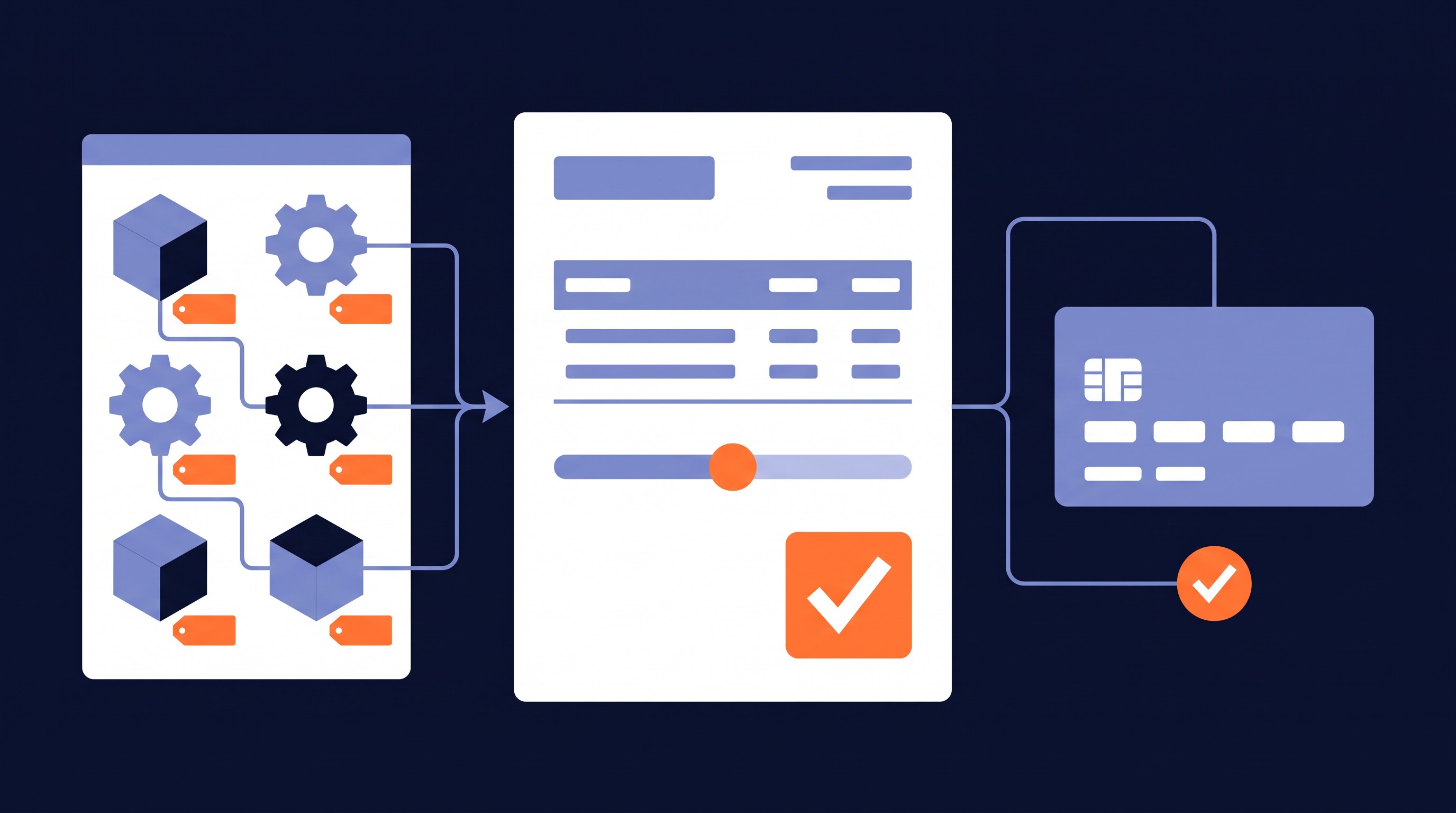
| Total Cost | Does the software/token cost stay well below the hourly labor saved? |
Run the scoped pilot for two weeks, measure the hours recovered, and verify data accuracy before expanding.
The Three Non-Negotiables: Access, Accuracy, and Accountability
Responsible AI design protects your reputation and your customer trust:
- Access & security: Ensure client conversations are never fed into public training sets. Verify compliance with privacy regulations and zero-data-retention agreements.
- Consent: Always secure explicit participant consent before recording client or partner meetings.
- Accountability (human-in-the-loop): Never let an automated system send external client communications or execute permanent database updates without explicit staff sign-off. Design an obvious fallback path for exceptions and ambiguous queries.
Ready to Free Up Team Capacity?
The goal of automation isn't to remove the human touch—it's to eliminate the busywork that prevents you from delivering it.
If your team is losing hours every week to manual data entry and meeting recaps, start with one recurring bottleneck. CRM Assist specializes in designing targeted, scoped conversational automations that integrate directly with your existing stack.
Frequently Asked Questions
How much technical skill does my internal team need?
Zero coding experience is required for daily operation. Most targeted automations run inside your existing email clients, CRMs, or form tools with simple "Approve" buttons.
Will this require replacing our existing software?
No. Effective automations sit on top of your current stack—connecting tools like Google Workspace, Outlook, HubSpot, Salesforce, or Slack rather than replacing them.
What are the ongoing costs?
For most small businesses, API and platform usage fees range from a few dollars to a couple hundred dollars per month, depending on communication volume—a fraction of the labor hours saved.
Can the AI make costly mistakes with clients?
By employing a "human-in-the-loop" architecture, the AI acts strictly as an assistant that drafts and organizes. No updates or emails go out into the wild without your team's direct approval.