How to Automate Sales Proposals in HubSpot: Capture, Structure, Render
 By
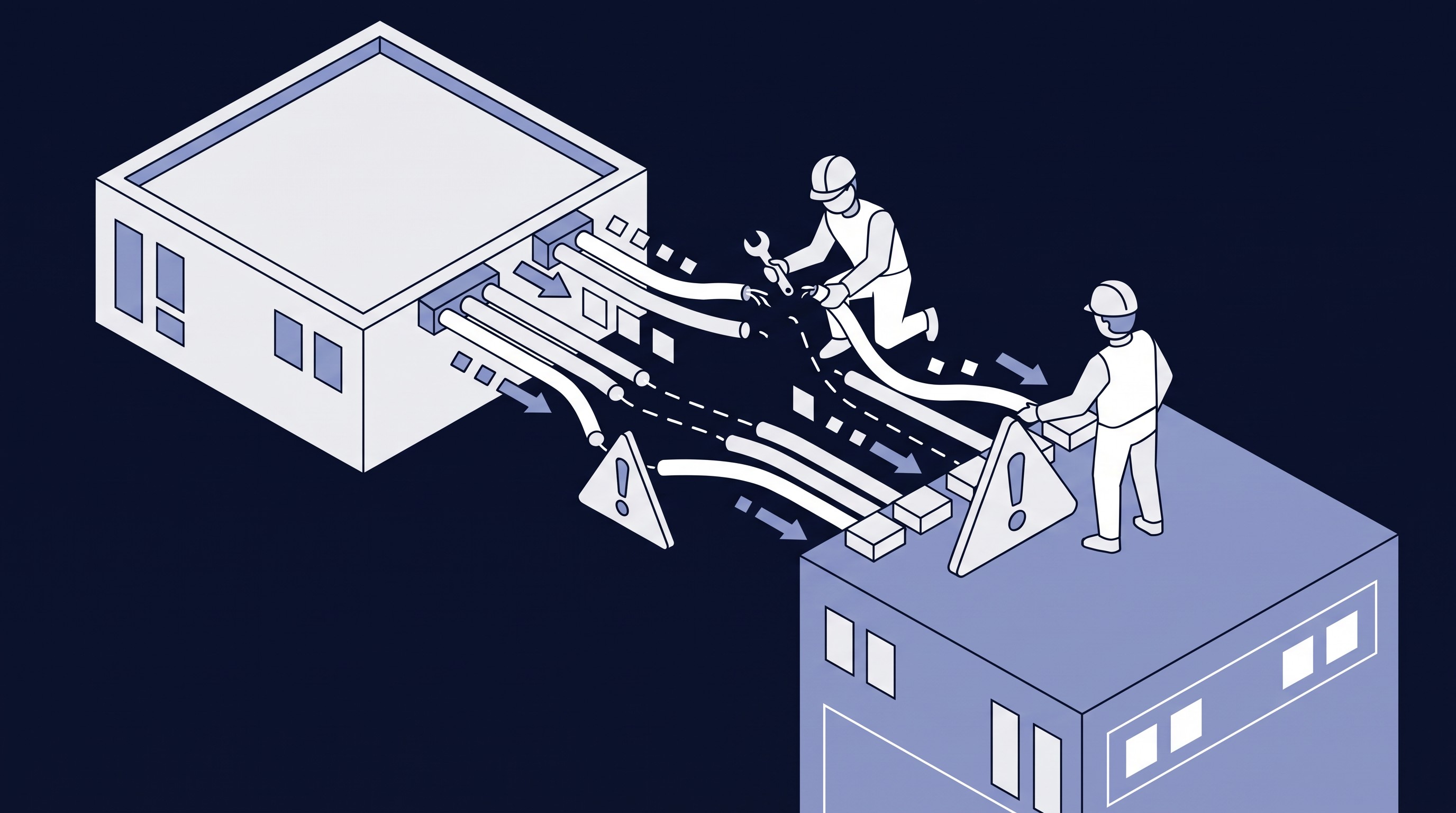
Most B2B service firms on HubSpot still build proposals by hand. The seller learns everything on discovery calls, someone types it into the CRM, someone else rebuilds it as a designed proposal, and when the deal closes, the same facts get typed a third time into a statement of work.
That's one set of facts typed three times. Each pass costs a day or two, adds errors, and slows things down at the moment the buyer is most interested.
AI fixes this, but probably not where you'd expect. The design tool matters least. What matters is getting the facts out of your conversations and into the deal record cleanly.
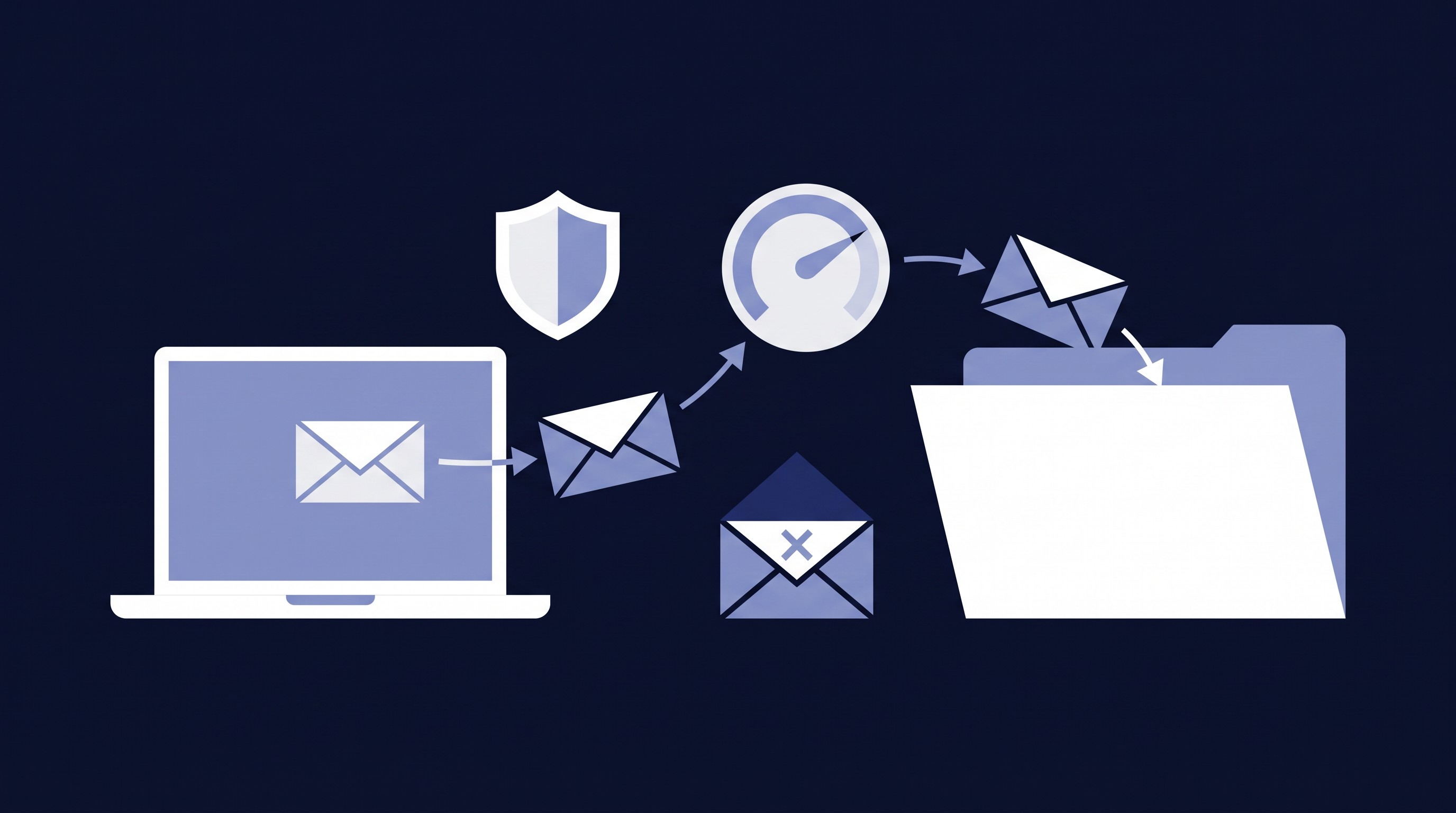
The pattern: Capture, Structure, Render
Split the proposal into what it says and how it looks, and make the HubSpot deal record the single source of truth between the two.
- Capture. Calls, meeting recordings, transcripts and emails are logged automatically against the deal through HubSpot calling, meeting recordings and inbox sync. Most portals already do part of this; the gap is usually consistency.
- Structure. An AI step reads that history and writes clean values into dedicated deal properties: the client's problem in their own words, scope, deliverables, team, timeline and pricing. A person reviews before anything moves on.
- Render. A presentation tool turns those properties into a branded proposal, either by filling a template or by generating a layout.
Layers 1 and 2 stay the same whichever renderer you choose. Build them first and you can switch from Google Slides to Gamma to Claude later without redoing the hard part. The same structured deal also feeds your SOW and onboarding handoff.
Start with the data contract
The most valuable thing you'll build is a short list of deal properties that every renderer reads: client identity, the problem, scope, team, commercials, timeline and a status group that tracks proposal readiness and missing data.
Two rules keep it safe:
- Keep AI-written fields separate from human-entered ones, and stamp a "last generated" date so a regenerated draft never silently overwrites someone's edits.
- Build and flag, don't block. If a consultant bio or client logo is missing, draft what you can, mark the gap visibly, and create a task. Don't stop the proposal.
Running the AI step in HubSpot
You have more options than most teams realize:
- The "Use a custom LLM" workflow action sends a prompt to OpenAI, Anthropic (Claude), Google (Gemini), Cohere or xAI and passes the answer to later workflow steps, such as updating deal properties. This is the cleanest fully automated route.
- Breeze agents run inside HubSpot on HubSpot credits and can reach partner connectors like Google Drive and Canva.
- Custom code actions give full control with JavaScript or Python, and need Data Hub Professional or Enterprise.
- The HubSpot connectors for Claude and ChatGPT read a deal's full engagement history and update records after a preview-and-confirm step, ten records at a time. They suit a seller-in-the-loop flow.
A useful rule: workflows where possible, agents where needed. Triggers, property copies, tasks and template merges are deterministic, so use standard automation. Spend AI only on reading conversations and writing prose.
Choosing a renderer
- Every proposal must look identical? Use a template merge: Google Slides, PowerPoint, or Canva Autofill (which needs Canva Enterprise).
- Best-looking draft with the least setup? Gamma or Canva AI. Gamma's Create from Template API, generally available since February 2026, narrows the layout variation.
- Fewer tools, and a person reviewing anyway? Claude or ChatGPT can do the extraction and produce the deck or document.
The full white paper compares all six options side by side, covering how each connects to HubSpot, how consistent the layout is, whether it runs unattended, and which plan it needs.
How to roll it out
Run a two-to-four-week proof of concept on one renderer with two tests: a real deal, to prove extraction from actual emails and calls, and a fully populated test deal, to prove rendering with logos, bios and headshots. Then pilot live deals for four to six weeks with the review gate on.
Before you start, pull a baseline from your last five to ten proposals: hours from last discovery call to proposal sent, builder hours per proposal, and proposal-to-close rate. Without a baseline, the gain is a feeling instead of a number.
And keep a human in the loop. AI can misstate scope or pricing, so nothing reaches a client, and no price is set, without a person approving it.
Get the full white paper
From Conversation to Proposal: Automating Sales Proposals in HubSpot covers the reference architecture, the full data contract, the six-way renderer comparison and a governance checklist. Download it free.
Want to see how it would work in your portal? Book a free proposal-automation audit and we'll review how your proposals are built today and which renderer fits your team.