By
Short on time?
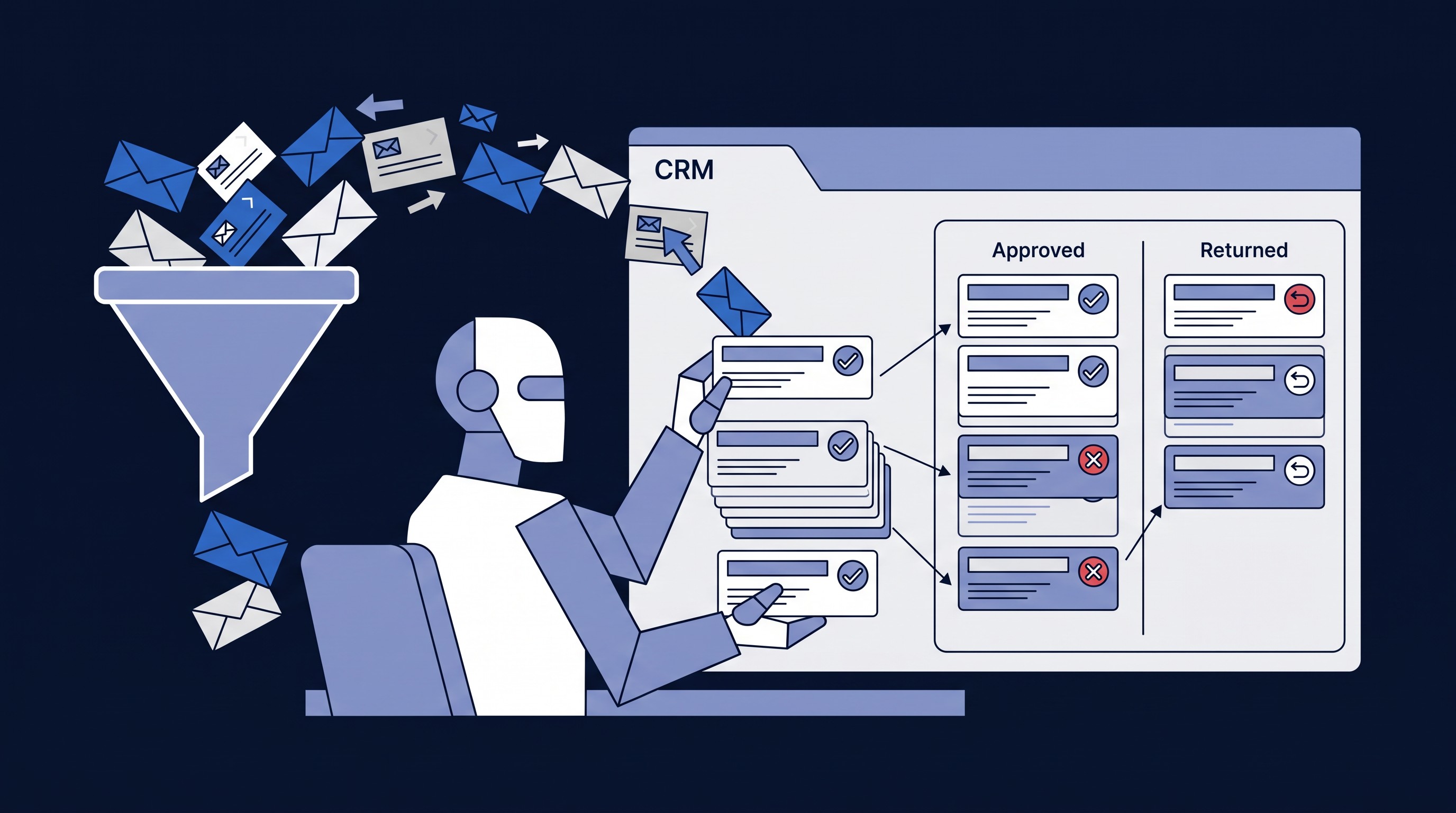
A client recently asked me a simple question: "We already pay for Claude Enterprise. Why would we ever spend HubSpot credits on an AI agent?"
Here's the ironic part. I'm a HubSpot partner, and partners like me benefit when clients buy more credits. So I'm about to write an entire blog post explaining when you shouldn't spend them. My partner manager may want to skip this one.
The honest answer is that both tools are excellent. They're just built for different jobs. Most of the frustration I see comes from using one where the other belongs.
The vending machine and the chef
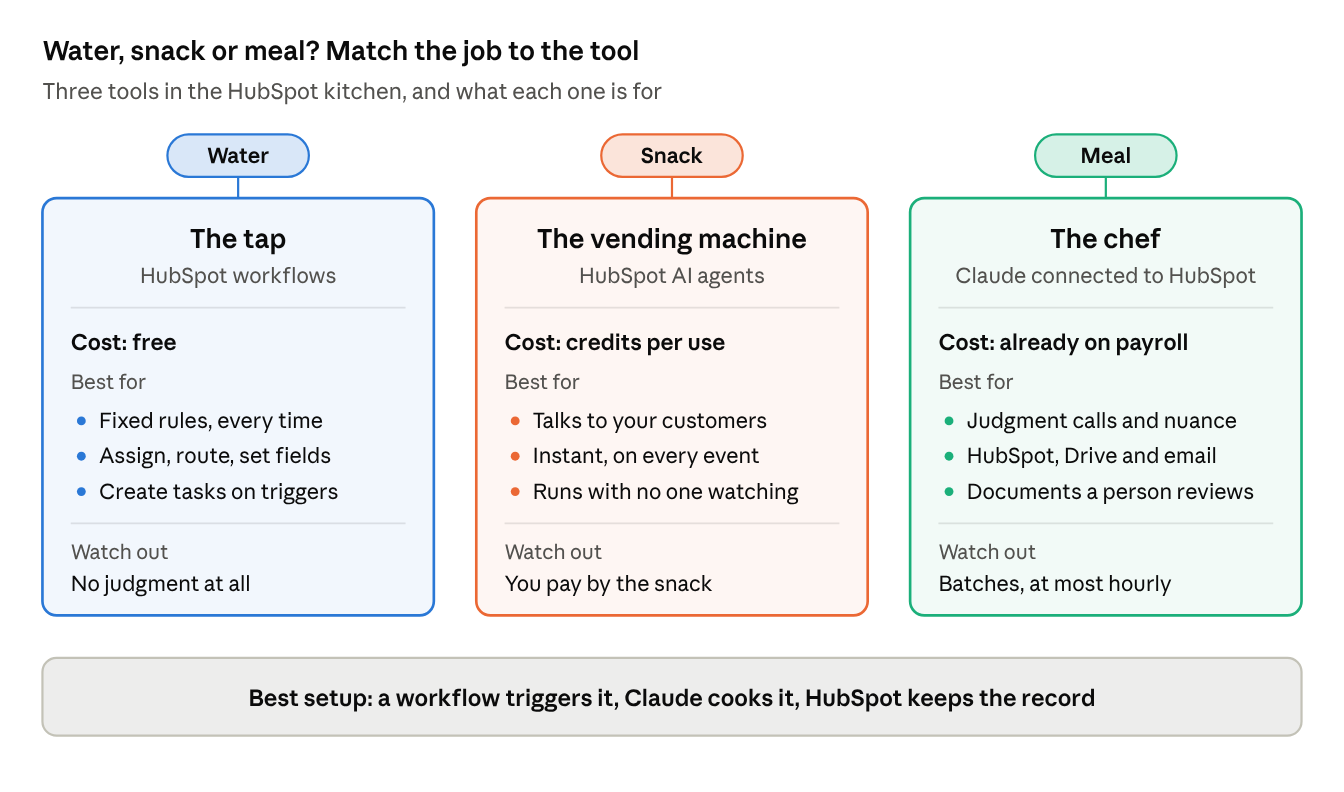
Think of a HubSpot agent as a vending machine and Claude as a chef.
A vending machine is always on. It serves anyone who walks up, at 2 a.m., with no staff in the building. Every item comes out the same, and every item costs coins. That's HubSpot credits: you pay by the snack.
A chef works with judgment. They look at what's in the fridge, notice the milk has turned, and make something new from several ingredients at once. But somebody has to place the order, and you're already paying their salary. That's a Claude seat.
Nobody asks the chef to stand in the lobby at 2 a.m. selling chips. And nobody asks the vending machine to cater the wedding. The trouble starts when we do.
First, check the tap
Every kitchen has a third tool nobody talks about: the tap. In HubSpot, that's a plain workflow. It's free, instant, and pours the exact same thing every time.
If the job is a fixed rule, you don't need AI at all:
- If the deal amount is over $50K, assign it to the enterprise team.
- When a form is submitted, set the lifecycle stage.
- When a deal closes, create the onboarding tasks.
You don't buy bottled water from the vending machine, and you don't ask the chef to pour you a glass. You turn on the tap. The most expensive mistake I see isn't picking the wrong AI. It's paying for bottled water when there's a tap right there.
When HubSpot agents earn their credits
Use the vending machine when the job is automatic, high-volume, or faces the public.
- Customer-facing, around the clock. A website chat or support agent talks to visitors and customers who will never have a Claude seat.
- No human in the loop. Scoring every inbound lead, routing every ticket, enriching every new contact. The agent fires the moment the event happens, and your workflows can branch on its answer.
- Everyone in the portal benefits. A HubSpot agent works for the whole team, including people without an AI license.
- HubSpot's own data. Enrichment and buyer-intent data live inside HubSpot. An outside tool can't recreate them.
- Governance. Some companies want data, permissions and the audit trail to stay inside the CRM.
When Claude connected to HubSpot wins
Call the chef when the job takes judgment, pulls from several places, or ends in a document a person will review.
- Messy inputs. Months of emails, call notes and meeting transcripts, where the latest email contradicts the deal record. Claude is good at noticing which one is right.
- Judgment about the audience. Deciding what a customer or contractor should see, and what stays internal: margins, other people's rates, sensitive notes.
- More than one system. HubSpot plus Google Drive plus email. The signed contract usually lives in a folder, not on the deal.
- Real documents. Proposals, briefs and summaries people will actually read and forward.
- Follow-up questions. "What does the client still need before Tuesday?" A vending machine doesn't take questions.
- No meter running. If your team already has Claude Enterprise, the chef is on payroll. Paying credits for the same thinking is like paying a cover charge at a bar you own.
Where the chef struggles
A great chef still has limits, and so does Claude.
- Takes orders in batches. Claude starts when a person asks or on a schedule, at most once an hour. It won't react the instant a deal closes.
- No two plates are identical. Ask the same question twice and the wording can change. Fine for a brief; wrong for a rule. That's what the tap is for.
- Sounds sure even when it's wrong. It can misread a long email thread or fill a gap with a reasonable guess. Anything a customer will see needs a person to taste it first.
- Slow at counting the whole pantry. Summarizing 50 deals is easy. Totaling 20,000 records through a conversation is not. Use HubSpot reports for that.
- Cooks with the ingredients you hand it. Claude works with each user's access and setup. Package the recipe as a shared skill, or every cook makes it differently.
- Has a shift length. Enterprise seats are already paid for, but not unlimited. A big batch job can hit usage limits partway through.
- Can make a mess fast. Claude can update HubSpot records. One misunderstood instruction applied to a big list can overwrite good data, so start read-only or review-first.
- Doesn't write in the order book on its own. Unless Claude logs a note or task back to HubSpot, the work is invisible to the team and to reporting.
- Stays in the kitchen. It doesn't answer the phone or chat with website visitors. That's the vending machine's job.
The best kitchens use both
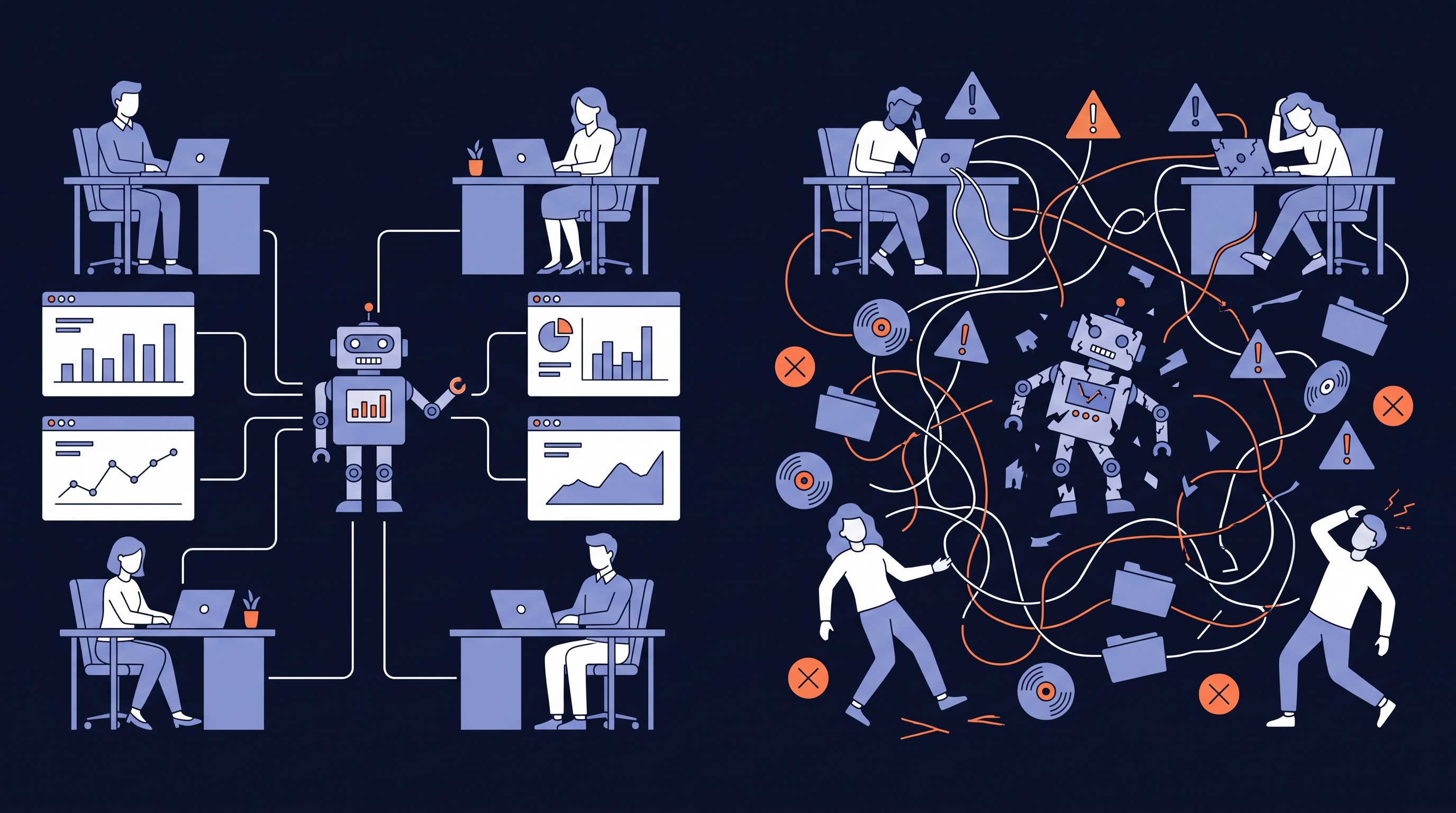
The pattern I recommend most: HubSpot decides when, Claude decides what. Free HubSpot workflows handle the trigger and the record. Claude does the thinking in between.
Here's how that looks for a common job, the sales-to-delivery handoff at a services firm:
- A deal moves to Closed Won. A HubSpot workflow (no credits) creates a task: "Generate handoff pack."
- The ops person opens Claude and runs a shared skill on that deal.
- Claude pulls the deal, line items, emails and call notes from HubSpot, and the signed SOW/Contract from Drive.
- It produces two versions: an internal checklist with everything, and a client-ready brief for the person delivering the work, with pricing and internal notes removed.
- Claude logs a summary note back to the deal and closes the task.
- A person reviews the brief before it goes out.
HubSpot keeps the deadline and the paper trail. Claude does the part that used to take someone an afternoon of digging through their inbox. If nobody wants to remember to click, Claude can also run on a schedule. Just know that scheduled runs work in batches, at most once an hour, so a new deal gets picked up on the next pass, not the moment it closes. For a handoff, that's plenty fast. For a hot lead waiting on a reply, it isn't.
A quick way to decide
| Question | If yes |
|---|---|
| Is it a fixed rule that should never vary? | The tap: a plain workflow |
| Does it talk to customers or website visitors? | HubSpot agent |
| Must it react within minutes of an event? | HubSpot agent |
| Must it run on every record with no one watching? | HubSpot agent |
| Do people without a Claude seat need the result? | HubSpot agent |
| Does it need HubSpot's enrichment or intent data? | HubSpot agent |
| Does it need judgment about what to include or leave out? | Claude |
| Does it pull from systems outside HubSpot? | Claude |
| Is the output a document a person will review? | Claude |
| Can it wait for a person to start it, or for the next hourly run? | Claude |
| Does the team already have Claude Enterprise? | Claude, triggered by a HubSpot workflow |
If your answers land on both sides, that's normal. Build the hybrid.
The bottom line
Credits aren't the enemy, and neither is a Claude seat. The waste comes from paying the vending machine to cook dinner, or asking the chef to work the lobby overnight.
Before you build your next AI automation, ask one question: is this water, a snack, or a meal? Water comes from the tap. Snacks go in the machine. Meals go to the chef. The best setups have all three in the same kitchen.
If you're not sure which one your next project is, book a call and we'll sort it out together.
Full disclosure: I drafted this post with Claude. It didn't cost a single HubSpot credit.