The LinkedIn Outreach Playbook: From Random Networking to Systematic Lead Generation
 By
By
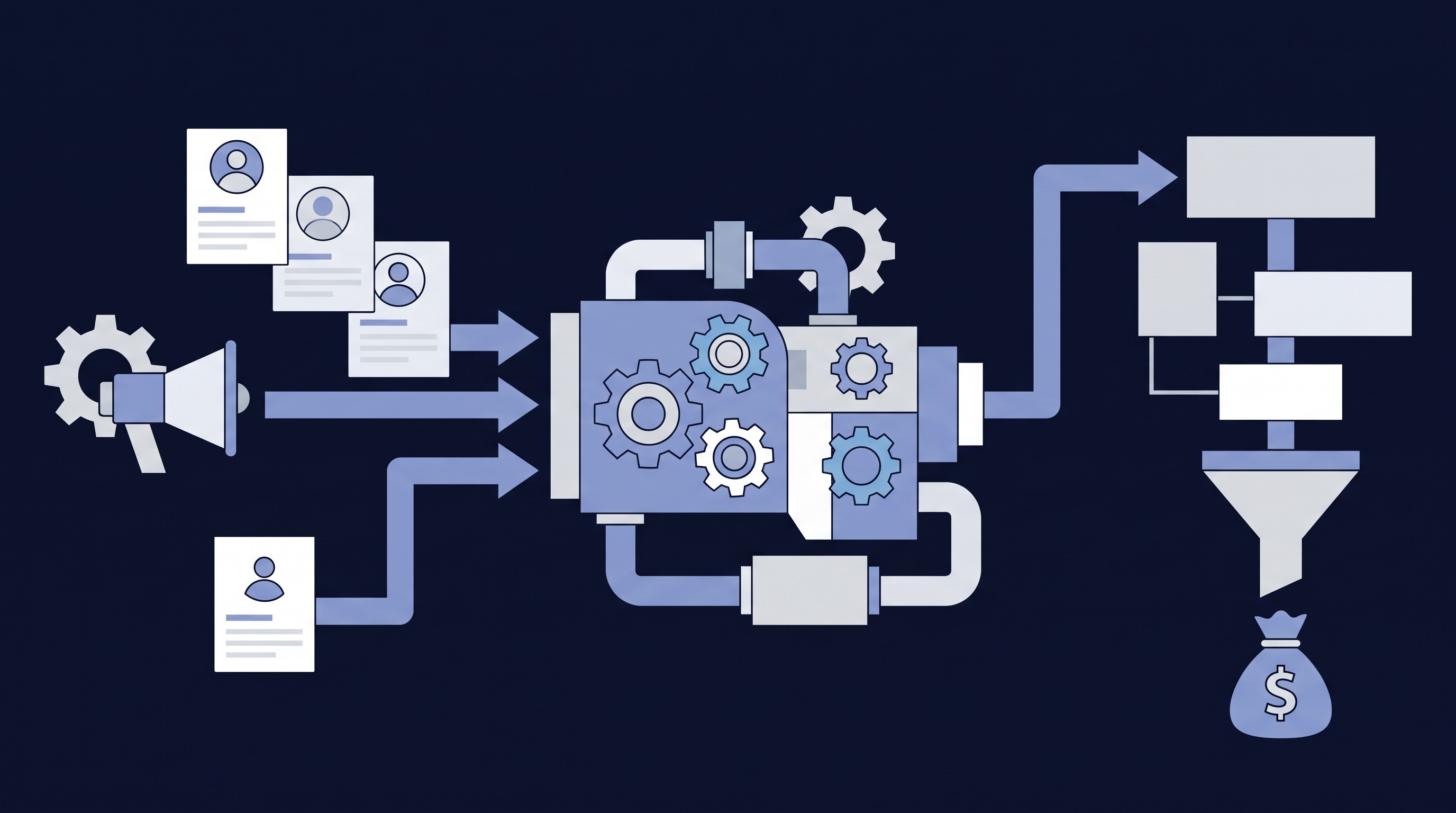
Most LinkedIn activity is random networking. This playbook turns it into systematic lead generation: reach decision-makers at target companies who have the problem you solve, qualify them in conversation, and use AI to coach your replies rather than running automated sequences.
Before you start
- Sales Navigator for advanced targeting and saved searches
- A profile updated with your core positioning
- An AI coaching tool such as Claude or ChatGPT, set up for reply coaching
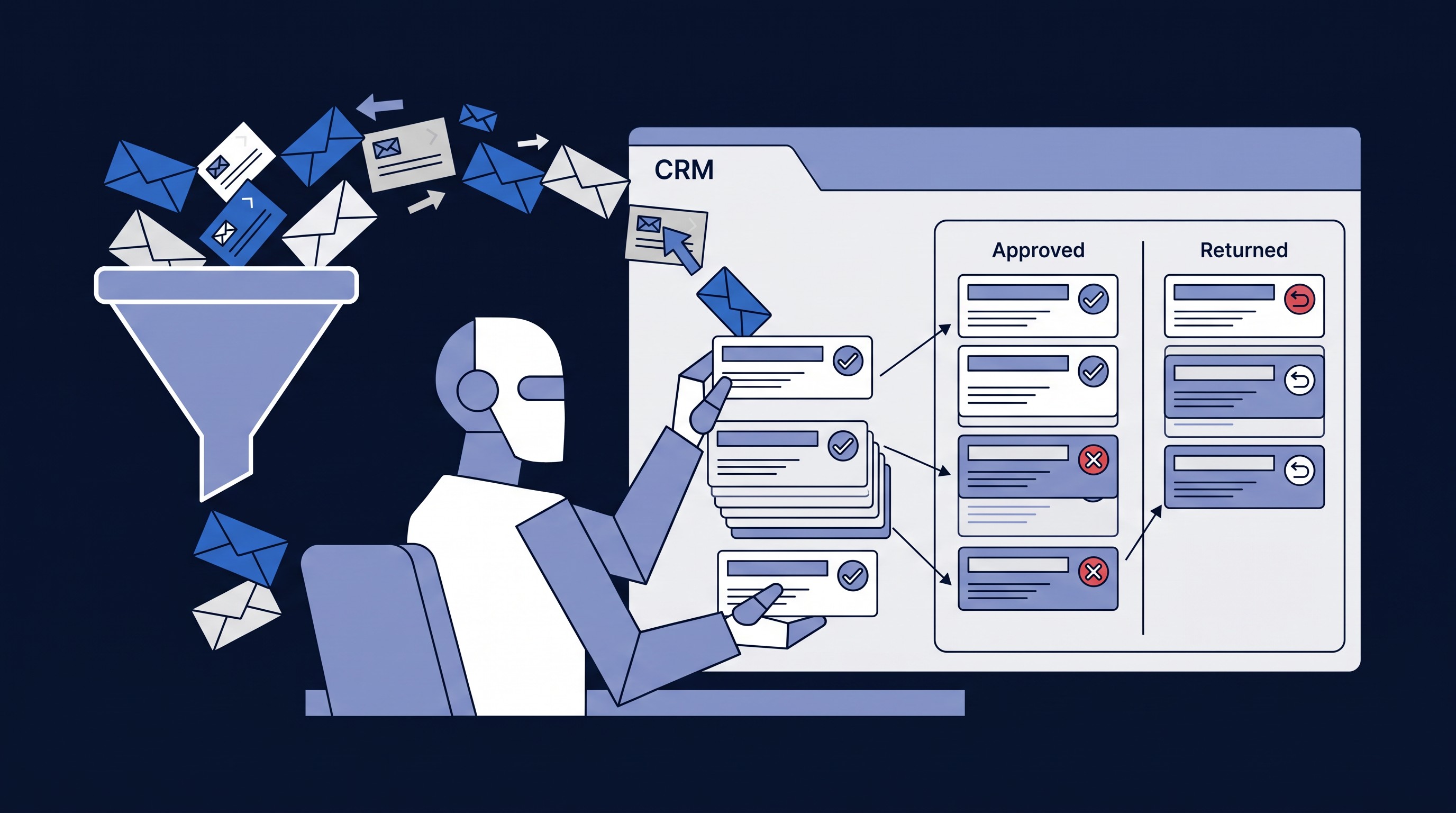
- A tracking table in your CRM and a discovery-call booking link
- A target list built from saved searches
Target with Sales Navigator
Build saved searches that match your ideal client: target titles, company size, industries, geography and fit-indicating keywords. Exclude poor-fit profiles and companies outside your revenue range. Save the search, add variations, and check it weekly for new prospects.
Prioritize by intent
Someone who just started a role is far more likely to respond than someone who's been in the same seat for 15 years. Split each week's outreach into three tiers:
| Tier | Who | Share of weekly outreach |
|---|---|---|
| Tier 1: highest intent | Changed roles in the last 1–2 years, or engaging with content about your topic | About 40% |
| Tier 2: medium intent | Companies showing growth signals, or people recently promoted internally | About 35% |
| Tier 3: standard ICP | Right title, company size and industry, but no signal | About 25% |
New executives have a fresh mandate, budget and no vendor loyalty yet. Recently promoted leaders know where the problems are and now have the authority to fix them.
The sequence
- Connection request: "Hi {FirstName} – curious how [industry] companies are handling [core pain point]. Open to connecting?" Industry curiosity opens the door without sounding salesy.
- Message 1, after they accept: "Thanks for connecting, {FirstName}. Quick question – [qualifying question about their core challenge]?" Their answer tells you whether they're a prospect.
- Path A, they have the problem: "What's making it hard to [solve it]? Is it [option A], [option B] or [option C]?" Dig deeper, then use AI coaching to decide when to offer a discovery call.
- Path B, things are fine: "Good to hear, {FirstName}. If that ever changes, happy to compare notes." Soft close, no pressure, and they become a nurture contact.
- No reply after 5–7 days: one gentle nudge, then let it rest.
Add a newsletter offer once you have one
When your newsletter is running, Path B and no-reply contacts get an offer instead of a dead end: "I share insights every couple of weeks on [topic]. Worth a look?" If they say yes, get their email and add them. If not, stay connected and end the sequence.
Use AI to coach your replies
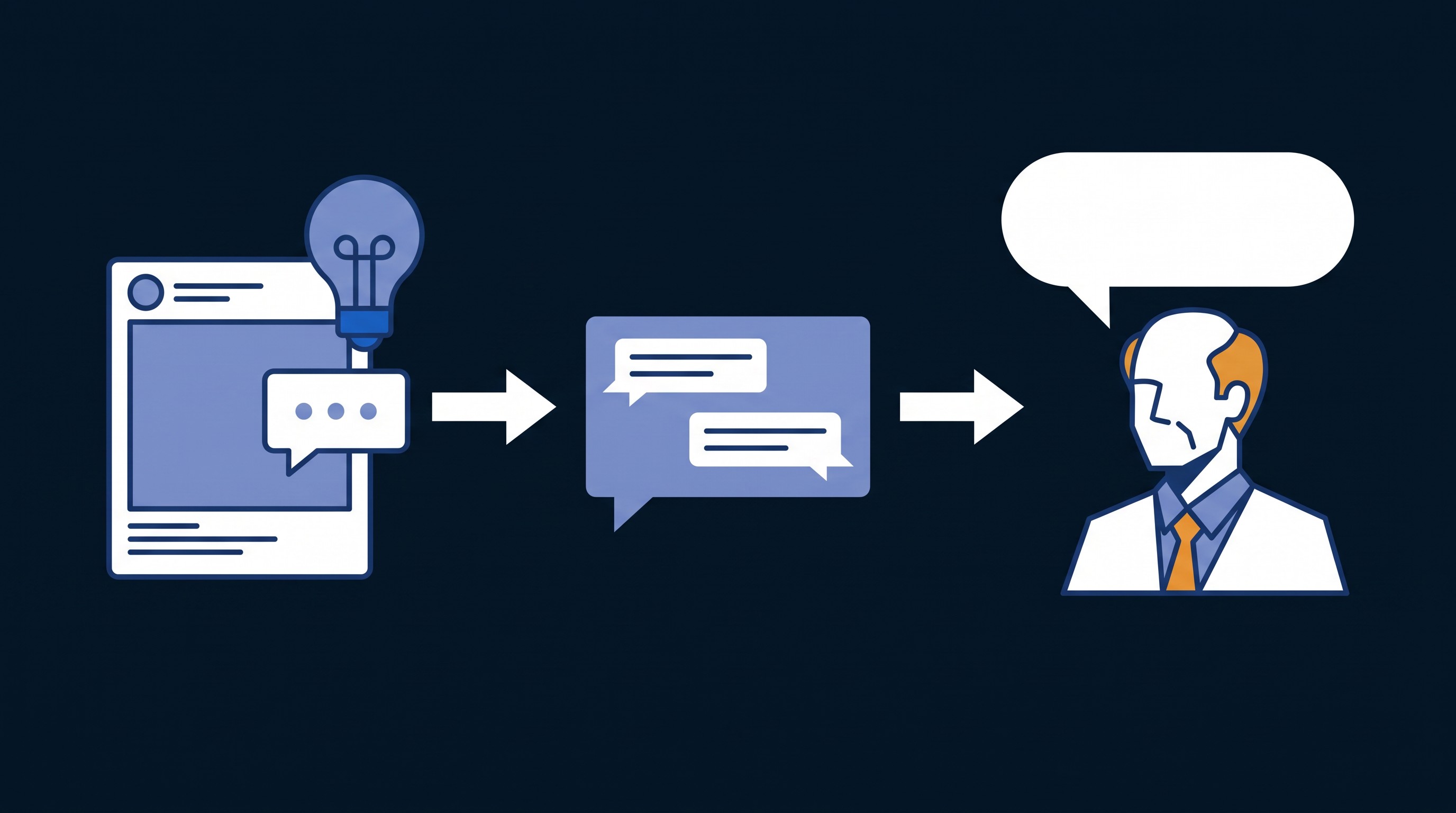
Instead of scripted responses, ask your AI tool to help with each reply. That keeps conversations human and teaches you what resonates. Use it when someone answers your qualifying question, shares specifics, asks what you do, signals urgency, mentions a recent event like a new role or a lost deal, or has exchanged three or more messages.
Example prompt: "I'm having a LinkedIn conversation with [Name], a [Title] at [Company]. They responded to my question about [topic] with: '[their response]'. Help me craft a reply that [digs deeper / offers value / transitions to a call offer]. Keep it conversational and under 3 sentences."
Activity targets
- Weeks 1–4: 25 connection requests a week (5 a day)
- Weeks 5–8: 50 a week (10 a day)
- Week 9 on: 100 a week (20 a day)
Aim for a 30–40% acceptance rate and 10–20% of new connections replying. If acceptance drops well below 30%, slow down and review your targeting or message.
Your routine
Daily, 15–20 minutes
- Reply to messages, using AI coaching.
- Send Message 1 to new acceptances.
- Follow up with connections who haven't replied in 5–7 days.
- Send the day's connection requests.
Weekly, 10 minutes on Friday
- Update your tracking table: sent, accepted, replies and acceptance rate.
- Adjust targeting if acceptance is slipping.
- Refill the pipeline from your saved searches.
- Note which messages get engagement.
Stop random LinkedIn activity. Start systematic conversations that turn into revenue.
Want the full LinkedIn playbook and help tracking it in your CRM? Book a consultation with CRM Assist.