Turn Every Conversation Into Sales Intelligence: Choosing Conversation Capture for Salesforce
 By
Conversation intelligence pays off only when what customers say ends up as structured data inside your CRM, not as a summary note nobody reads. If you run Salesforce, the choice of capture tool decides whether calls become reportable sales intelligence or just another transcript stored somewhere else.
From conversation to action
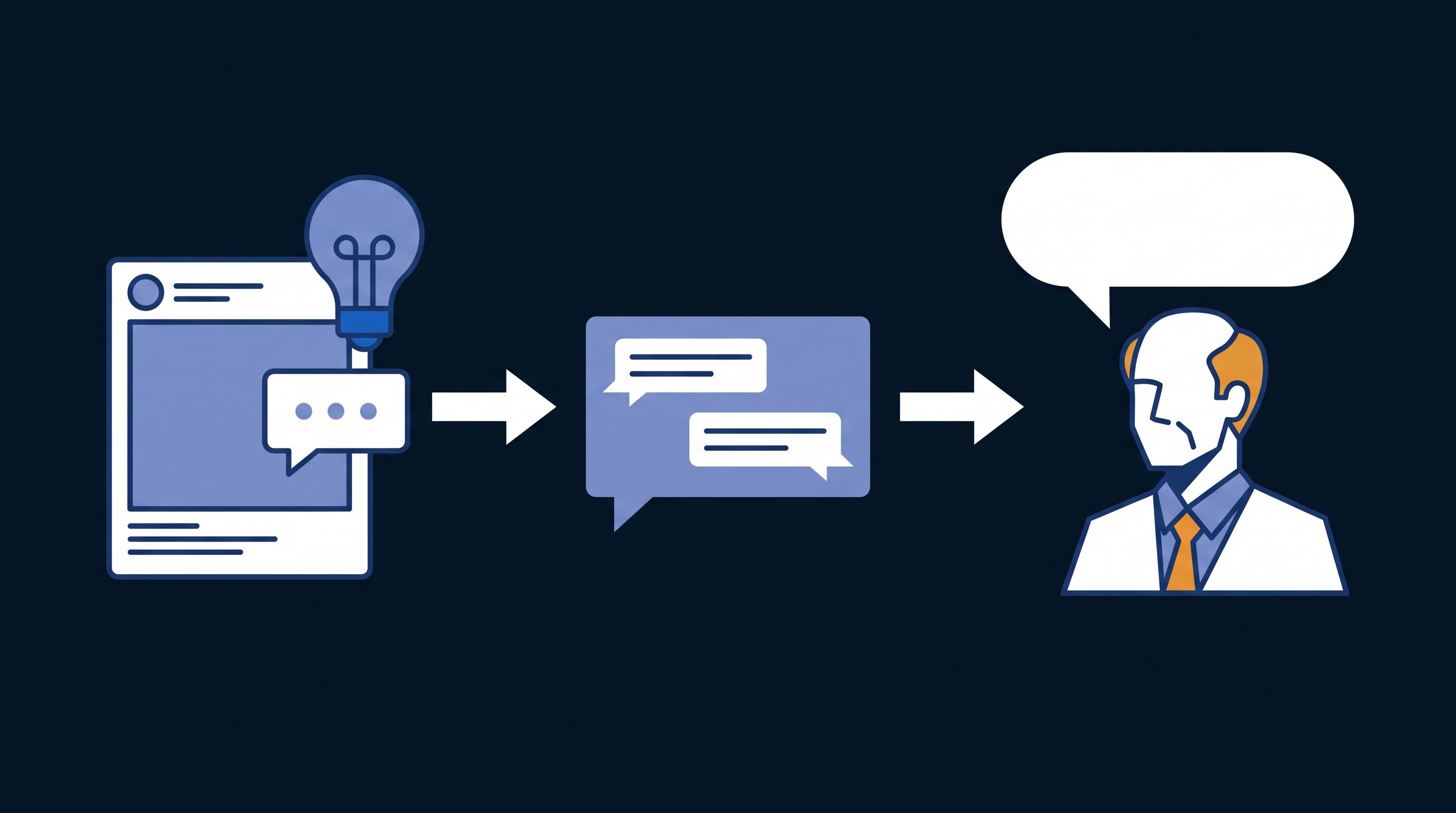
A conversation becomes sales intelligence in four steps: the conversation, capture, insight, and structured data on the right record.
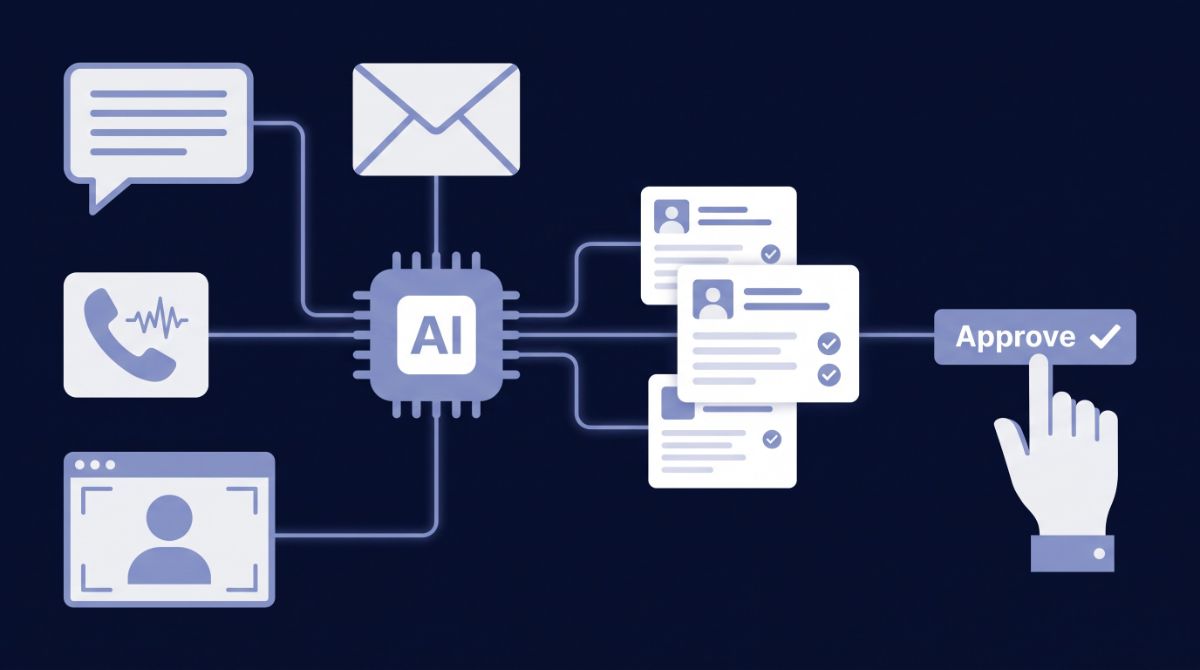
A working setup turns every customer interaction, a Teams call or an in-person meeting, into structured intelligence automatically:
- Customer conversation: a video call or face-to-face meeting.
- Capture: the recording and transcript are saved.
- Insight: AI identifies the key sales signals.
- Sales intelligence: objections, competitors, pricing and next steps land on the right record.
Built for reps: sell more, log less
For reps, conversation capture records and logs every call automatically, so they skip post-call admin and get follow-up tasks instead.
- Auto-capture every conversation: calls and field meetings are recorded and transcribed automatically.
- Eliminate post-call admin: logging happens without the rep writing notes.
- Turn insights into actions: objections, competitors and next steps become follow-up tasks.
Built for leaders: visibility without sitting on every call
Leaders see recurring objections ranked by frequency, plus competitive themes and pricing concerns surfaced automatically. That lets them coach on real conversation moments rather than assumptions, address systemic objections with team-level messaging, and spend their time on the reps who need it most.
The signals that matter most
The five signals that matter most are objections, competitors, pricing signals, customer challenges and next steps.
- Objections: pushback on pricing, timing, authority and need.
- Competitors: when rival vendors come up, so managers can arm reps with counter-messaging.
- Pricing signals: budget conversations and price sensitivity that show deal health.
- Challenges: the customer's pain points, so reps tailor the value proposition.
- Next steps: commitments made on the call, converted into Salesforce tasks.
How to evaluate capture tools
Evaluate a capture tool by whether it captures every channel, keeps data in Salesforce, updates real fields on the right objects, follows your security model, and can drive Flows and reports.
We typically compare two kinds of option: a low-cost recorder that adds a summary note to Salesforce, and a dedicated Salesforce-native conversation platform. The questions that separate them:
| Question | Why it matters |
|---|---|
| Does it capture every channel, including mobile and in-person meetings? | Browser-only recorders miss field sales and face-to-face conversations. |
| Where do the recording and transcript live? | If they stay in the vendor's app, Salesforce only gets a summary. |
| Does it update fields, or just add a note? | Picklists, dates, amounts and methodology fields are what make it reportable. |
| Which objects can it write to? | Accounts, contacts, opportunities, leads, cases and custom objects all matter. |
| Does it follow your Salesforce security model? | Permission sets and sharing rules should govern who sees which calls. |
| Can the data trigger Flows and reports? | Intelligence that can't drive automation stays a nice-to-have. |
A free tool that stores a summary note is a reasonable start. If you want reportable fields, coaching dashboards and automation, plan for a native platform and budget for it per user.
Getting started
Getting started takes three steps: connect your meeting platform to Salesforce, configure signal detection, then launch, measure and coach.
- Connect your meeting platform to Salesforce so calls are captured and transcribed automatically.
- Configure signal detection: define the keywords, competitors and topics that matter to your business.
- Launch, measure and coach: let the data surface coaching moments, competitive patterns and recurring objections, then act on them.
For a typical team, configuration, permissions, recording integration, insight setup and testing take about 8–12 hours of implementation work.
Want every customer conversation working for your pipeline? Book a consultation with CRM Assist.